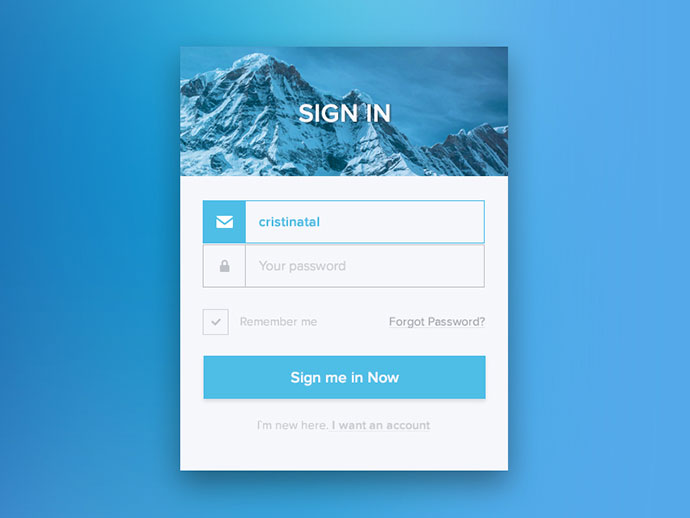
这是一个基本的登录和注册页面的HTML和简单的CSS代码示例。请注意,这只是一个基本的示例,实际的登录和注册功能需要后端服务器来处理用户输入和验证。此外,出于安全考虑,密码应该通过安全的方式存储和传输。
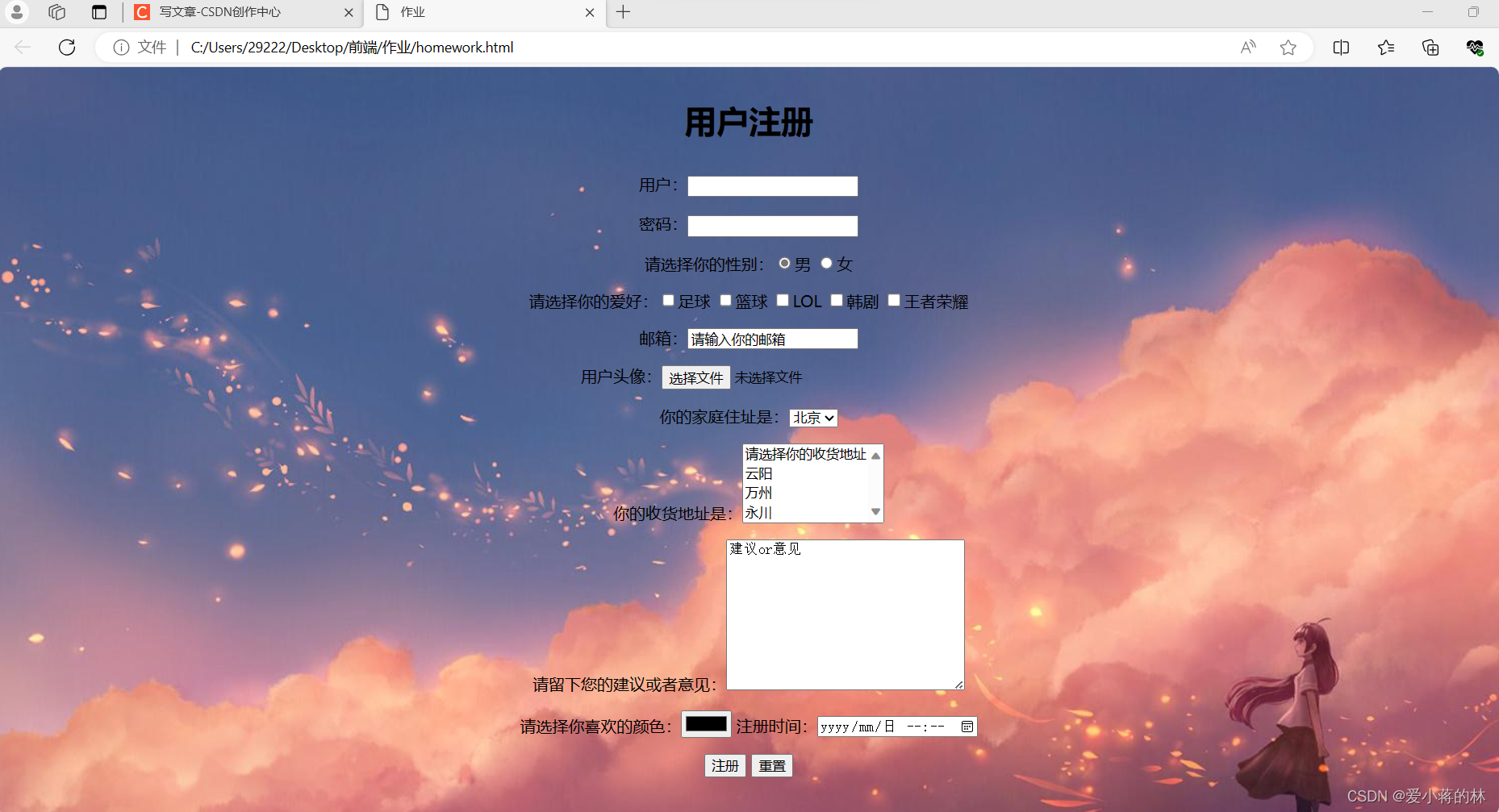
HTML代码:
<!DOCTYPE html>
<html>
<head>
    <title>登录与注册页面</title>
    <style>
        body {
            font-family: Arial, sans-serif;
        }
        .container {
            width: 300px;
            margin: 0 auto;
        }
        .form-group {
            margin-bottom: 15px;
        }
        input[type="text"], input[type="password"] {
            width: 100%;
            padding: 15px;
            border: none;
            border-bottom: 1px solid #ccc;
        }
        input[type="submit"] {
            background-color: #4CAF50;
            color: white;
            padding: 14px 20px;
            border: none;
            cursor: pointer;
            width: 100%;
        }
        input[type="submit"]:hover {
            background-color: #45a049;
        }
    </style>
</head>
<body>
    <div class="container">
        <h2>登录</h2>
        <form action="/login" method="post">
            <div class="form-group">
                <label for="username">用户名:</label>
                <input type="text" id="username" name="username" required>
            </div>
            <div class="form-group">
                <label for="password">密码:</label>
                <input type="password" id="password" name="password" required>
            </div>
            <input type="submit" value="登录">
        </form>
        <h2 style="margin-top: 30px;">或注册</h2>
        <form action="/register" method="post">
            <!-- 添加注册需要的字段,如用户名、邮箱、密码等 -->
            <div class="form-group">
                <label for="new_username">用户名:</label>
                <input type="text" id="new_username" name="new_username" required>
            </div>
            <!-- 其他字段... -->
            <input type="submit" value="注册">
        </form>
    </div>
</body>
</html>
这只是一个简单的静态HTML页面,真正的登录和注册功能需要后端服务器来处理用户的输入并进行验证,你可能需要使用Node.js,Python的Django或Flask框架,或者其他的后端技术来实现这个功能,密码应该通过安全的方式存储和传输,例如使用哈希和盐值加密,还需要考虑防止SQL注入等安全问题,在实际开发中,请务必注意这些问题。