html
<title>注册和登录页面</title>
<style>
body {
font-family: Arial, sans-serif;
}
.container {
max-width: 400px;
margin: 0 auto;
padding: 20px;
border: 1px solid #ccc;
border-radius: 5px;
}
h2 {
text-align: center;
}
label {
display: block;
margin-bottom: 10px;
}
input[type="text"], input[type="password"] {
width: 100%;
padding: 10px;
border-radius: 5px;
border: 1px solid #ccc;
}
input[type="submit"] {
width: 100%;
background-color: #4CAF50;
color: white;
padding: 10px;
border: none;
border-radius: 5px;
cursor: pointer;
}
input[type="submit"]:hover {
background-color: #45a049;
}
</style>

<div class="container">
<h2>注册</h2>
<form action="/register" method="post">
<label for="username">用户名:</label>
<input type="text" id="username" name="username" required><br><br>
<label for="password">密码:</label>
<input type="password" id="password" name="password" required><br><br>
<input type="submit" value="注册">
</form>
<h2>登录</h2>
<form action="/login" method="post">
<label for="username">用户名:</label>
<input type="text" id="username" name="username"><br><br>
<label for="password">密码:</label>
<input type="password" id="password" name="password"><br><br>
<input type="submit" value="登录">
</form>
</div>
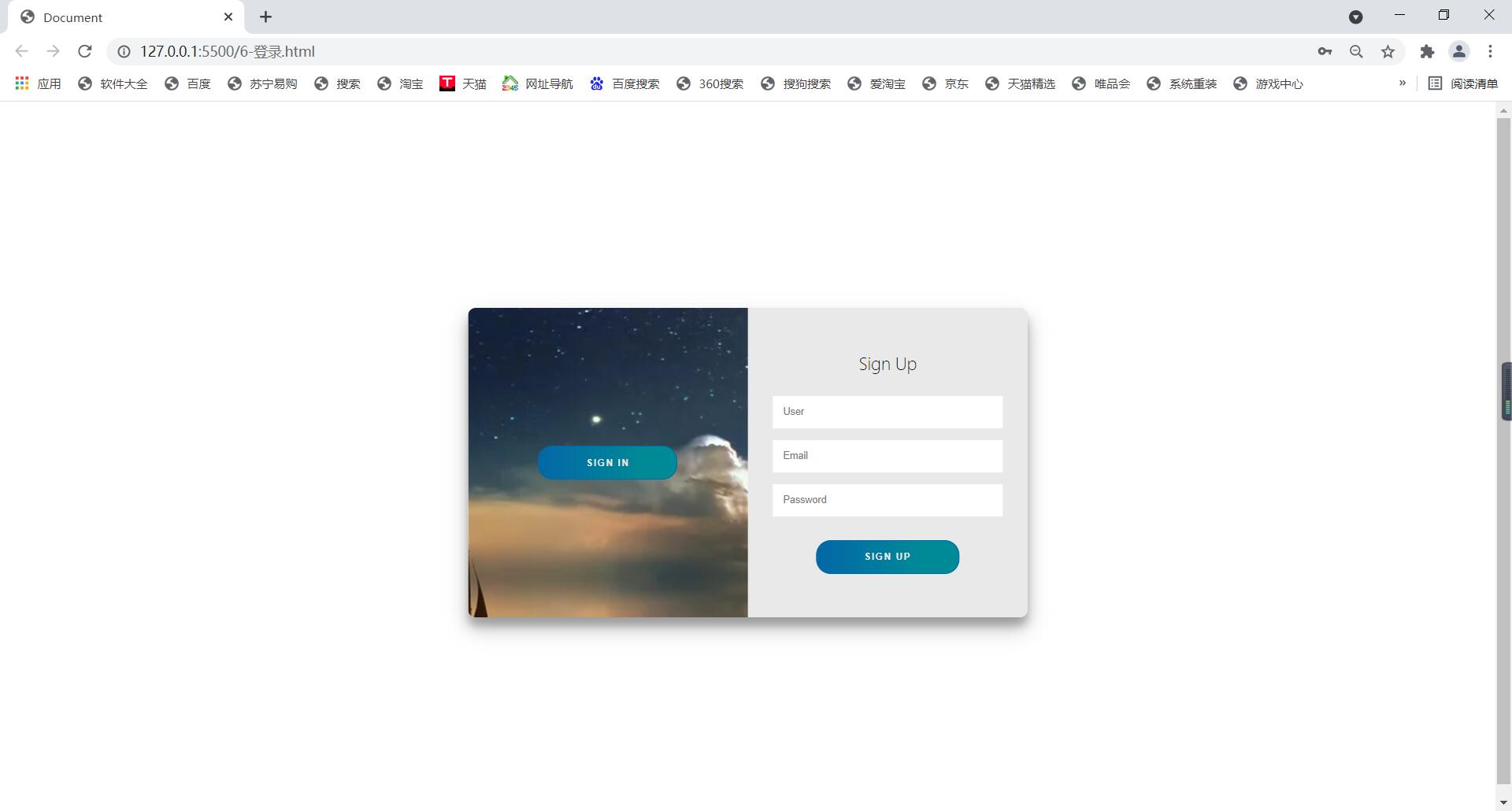
这是一个基本的注册和登录页面的HTML结构,它包括两个表单,每个表单都有一个用户名输入框、一个密码输入框和一个提交按钮,表单提交时,数据将被发送到"/register"(注册)和"/login"(登录)的服务器端点进行处理,这只是一个简单的示例,实际的注册和登录页面可能需要更多的验证和安全措施来保护用户数据。