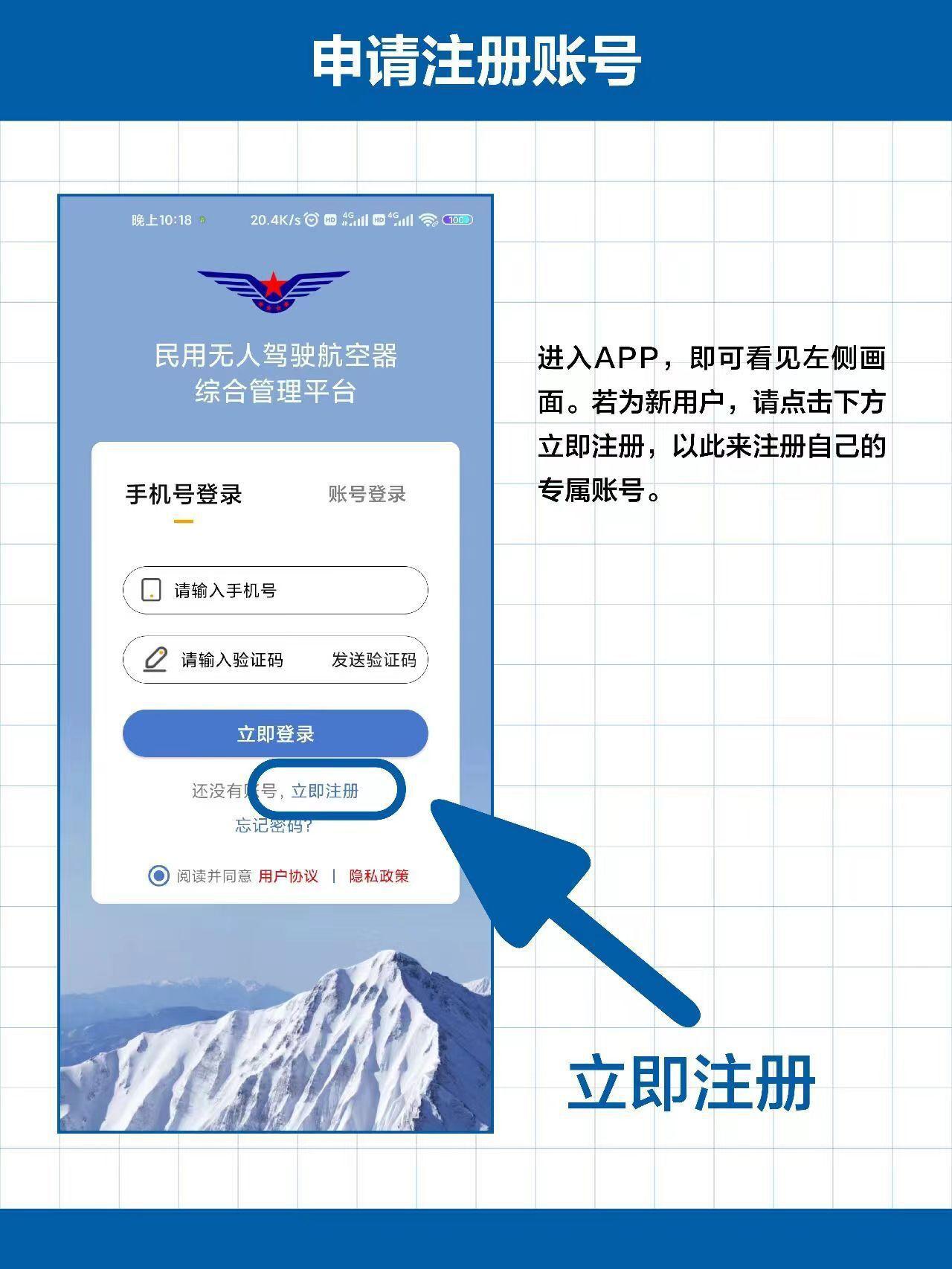
登录页面(login.html):
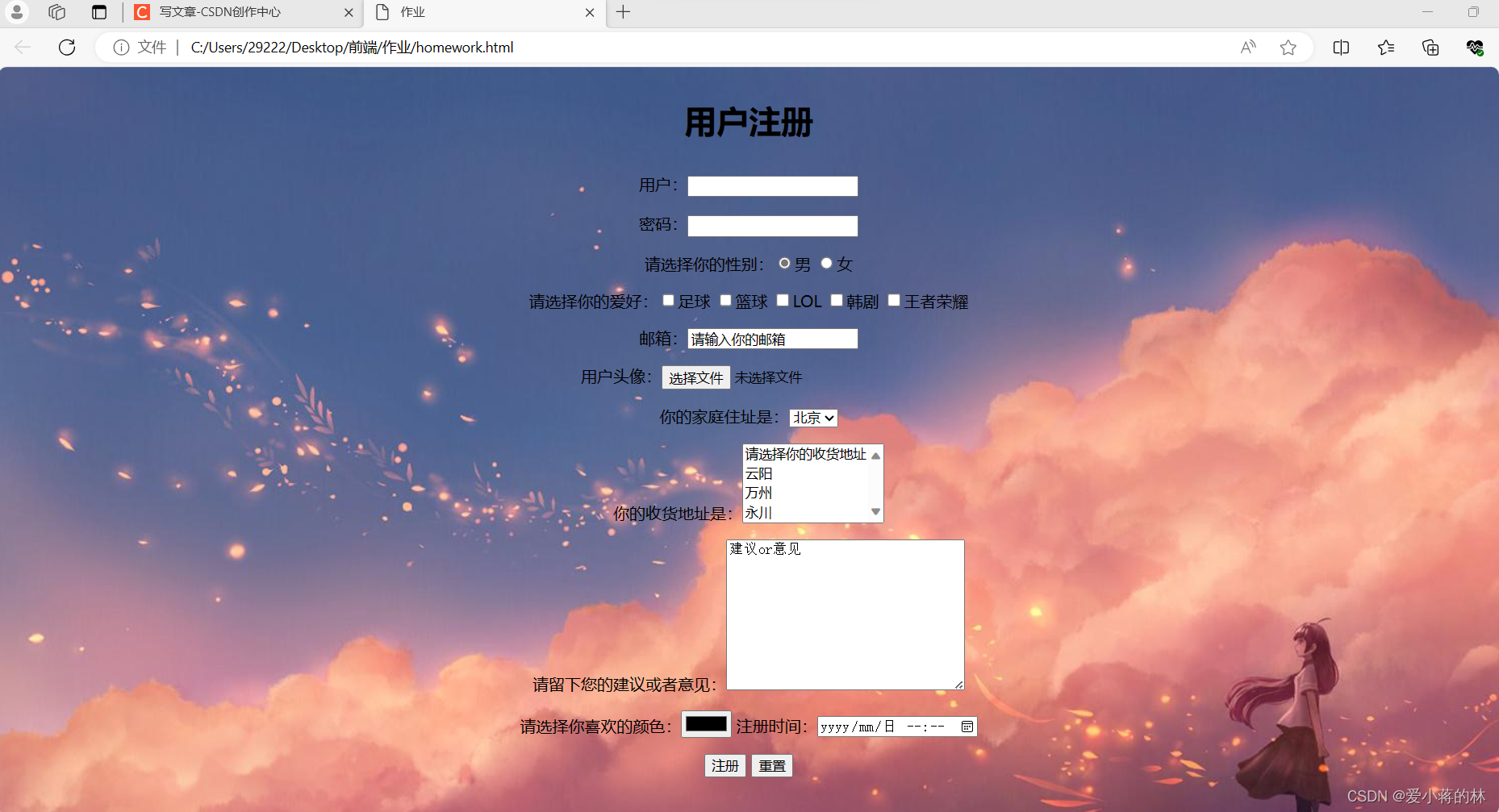
<!DOCTYPE html>
<html>
<head>
    <title>登录页面</title>
</head>
<body>
    <h2>登录</h2>
    <form action="login_process.php" method="post">
        <div>
            <label for="username">用户名:</label>
            <input type="text" id="username" name="username" required>
        </div>
        <div>
            <label for="password">密码:</label>
            <input type="password" id="password" name="password" required>
        </div>
        <div>
            <input type="submit" value="登录">
        </div>
    </form>
</body>
</html>
注册页面(register.html):
<!DOCTYPE html>
<html>
<head>
    <title>注册页面</title>
</head>
<body>
    <h2>注册</h2>
    <form action="register_process.php" method="post">
        <div>
            <label for="new_username">用户名:</label>
            <input type="text" id="new_username" name="new_username" required>
        </div>
        <div>
            <label for="new_password">密码:</label>
            <input type="password" id="new_password" name="new_password" required>
        </div>
        <div>
            <label for="confirm_password">确认密码:</label>
            <input type="password" id="confirm_password" name="confirm_password" required>
        </div>
        <div>
            <input type="submit" value="注册">
        </div>
    </form>
</body>
</html>在上述代码中,表单的action 属性指向处理登录和注册信息的 PHP 文件(如login_process.php 和register_process.php),你需要创建这些 PHP 文件来处理用户输入,验证信息,并与数据库进行交互(如果需要的话),上述代码只是一个基本的示例,并没有包含任何实际的 PHP 代码,在实际应用中,你需要根据自己的需求编写适当的后端代码。